


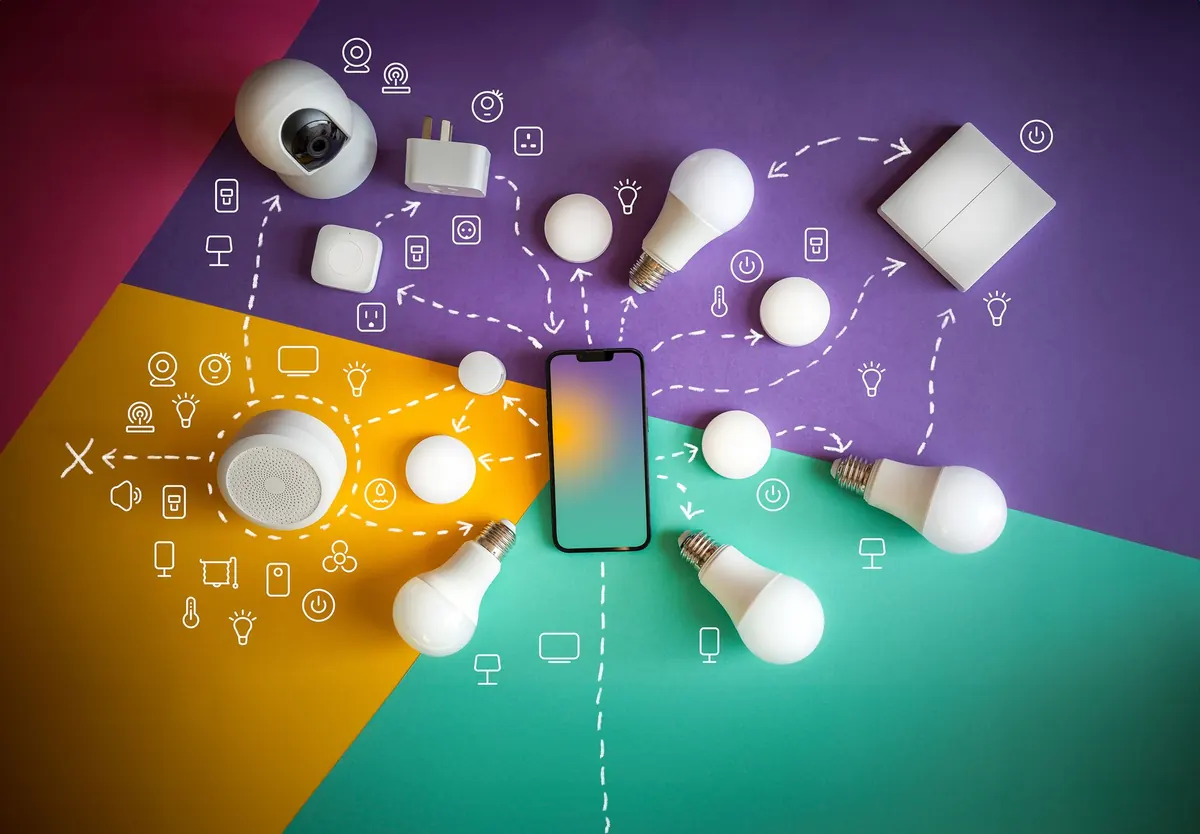
Building a smart home used to mean buying a hub first. A plastic box arrived, you paired everything to it, and only then did your lights and plugs start talking to each other. That model still works. It is also increasingly optional. Between Wi-Fi devices, Matter support reaching the cheaper end of the market, and the smart speaker you may already own, you can assemble a genuinely useful setup with your phone and the router you already pay for.
The catch is that "no hub" doesn't mean "no planning." A few decisions made before you click buy will save you an evening of factory resets and a drawer full of gadgets that never quite worked.
Fix Your Wi-Fi Before You Buy Anything
Almost every budget smart plug, bulb and sensor connects on the 2.4GHz band, not 5GHz. That band travels further through walls and handles small, low-traffic devices well, but many routers broadcast both bands under one network name. Some devices cope with that. Others sit there blinking and refuse to join.
If you hit that wall, open your router settings and give the 2.4GHz network its own name — something like Home24. Nothing else in the house needs to change. Put anything with a video feed as close to the router as you reasonably can, or accept a laggy picture.
One habit worth adopting early: if your router supports a guest network, use it for smart devices. It keeps a growing pile of inexpensive gadgets off the same network as your laptop, and it takes two minutes to set up.
The Four Types of Gear That Cover Most of It
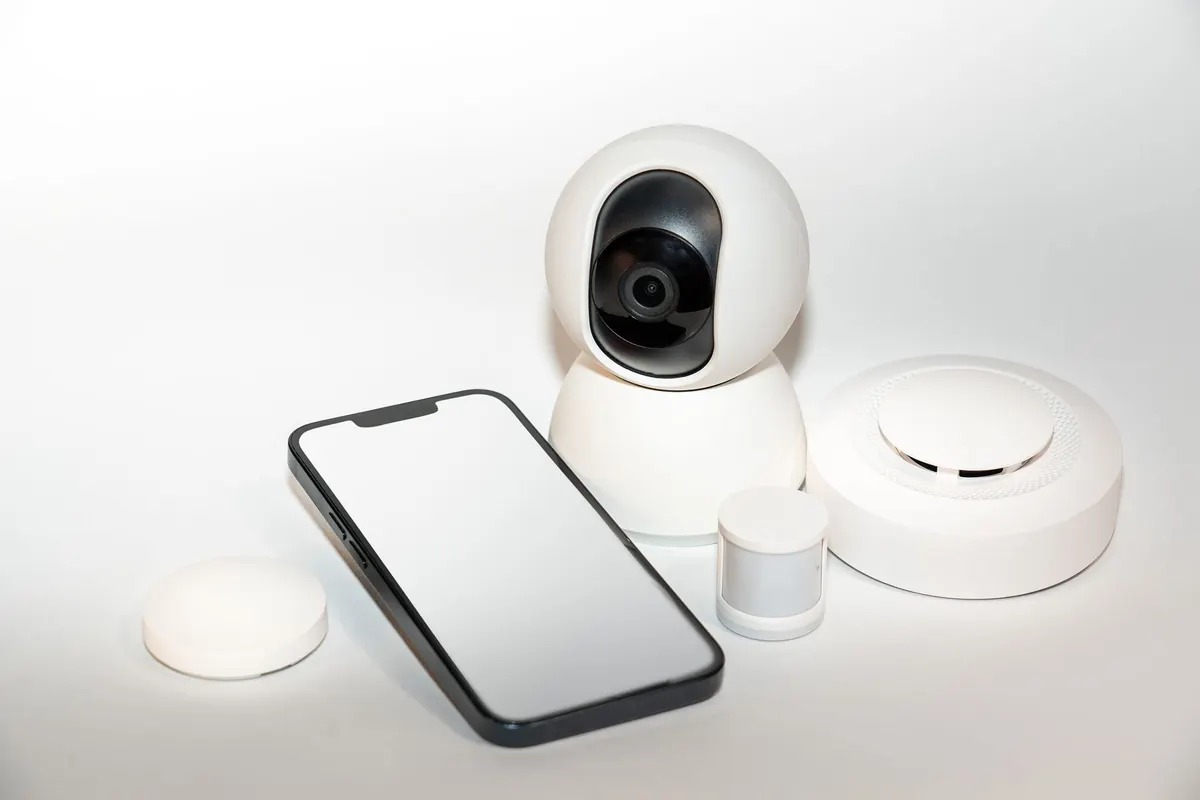
- Smart plugs. The cheapest way in. A lamp, a fan, a coffee maker, a string of patio lights — anything with a physical switch becomes schedulable. Look for Matter support.
- Smart bulbs. Worth it where you want dimming or colour and have no dimmer switch. Remember a bulb on a wall switch is only smart while the switch is on.
- Sensors. Contact sensors for doors, motion sensors for hallways, a temperature sensor for the garage. These are what turn a remote control into something that helps.
- Buttons and remotes. A small wireless button by the bed or the door gives guests and family a control they will actually use.
Set Up in the Right Order
Pairing devices in random order is how people end up with three plugs called "Smart Plug 2." Do it this way instead:
- Create the 2.4GHz or guest network and write the password down somewhere findable.
- Set up each device within a few metres of the router, one at a time.
- Rename it immediately — "Living Room Lamp," not "Plug 4" — and check for a firmware update while the app is open.
- Move it to its final spot and confirm it reconnects.
- Assign it to a room and group it with related devices.
- Only then start building automations.
A strip of masking tape on each plug, marked with its name, saves an hour the first time something drops offline.
Do You Still Need a Hub? Usually, No
Wi-Fi devices talk to your router directly, so the phone in your pocket is the only controller required. What you give up is fine-grained local control: when the internet drops, many budget devices stop responding to anything except their own physical switch.
Matter has changed the maths. A Matter-certified plug or bulb can be added to Apple Home, Google Home, Amazon Alexa or SmartThings, often more than one at once, so you are not locked into a single app. Thread devices do need a border router, but plenty of smart speakers and displays already do that job. If you own one, you have a hub without having bought one.
Automations Worth Building First
- A porch or hallway light that switches on at sunset and off at bedtime.
- A motion sensor that triggers a dim night light for two minutes, so the 3am bathroom trip doesn't wake the house.
- A contact sensor on the back door that sends a notification whenever it opens.
- An "away" routine that kills the lamps and the TV plug when the last person leaves.
- A morning schedule on a plug for the kettle, if yours has a switch that stays on.
Keep the list short. Three automations that work reliably beat fifteen you can never remember.
Where Cheap Gear Bites Back
Inexpensive devices are inexpensive for a reason, and it is usually the app and the cloud service behind it. Brands vanish, apps stop getting updated, and a cheap plug becomes a brick. Two habits protect you: buy devices that still work manually, and prefer Matter support so you can move them elsewhere later.
Change default passwords on anything with a camera, keep firmware current, and put cameras on that guest network. Be realistic about batteries, too — budget sensors can chew through coin cells, so check them every few months rather than waiting for an automation to quietly stop working.
Finally, houses have people in them. If a lamp only works while a wall switch is left on, someone will eventually flip it. Plan for how your household actually behaves, not how you wish it did.
Start With Three Devices This Weekend
Buy one smart plug, one bulb and one sensor. Set them up, name them properly, and live with them for a week before ordering anything else. Those three will teach you more about what your home needs than any list of recommendations, including this one. Then add a second plug for a lamp, a sensor by the front door, and one room at a time. Setups that survive are the ones that grew slowly and never asked anyone in the house to change their habits.
Photo: Jakub Zerdzicki / Pexels
Related posts
More stories you’ll love reading